
Features
Everything you need to put a real deadline in the inbox
Ten timer styles, two of them right to left, six ways to set a deadline, personalized images built from the merge tags you already use, and a preview that tells you what each email client will actually show.
Timer styles
Countdown timers your subscribers can watch running out
The countdown animates for thirty seconds after the email opens, one second per frame, then starts again from the first frame for as long as the email is open. Every style below is a real render, and it runs in your fonts and your colours once you have made it yours.


When none of the styles matches a design your team already has, the artwork can come from a Photoshop file and the numbers animate on top of it. Turn a Photoshop file into a live email countdown.
Nothing breaks after the sale
At 00:00:00 the image becomes the closing graphic you chose before you sent. A subscriber who opens on Monday reads that the offer has ended, rather than staring at a counter stuck on zero.
Your fonts, not ours
Upload the brand faces your guidelines already specify as .woff2 or .ttf, and the numerals and labels are set in them. Included on every paid plan from $19 a month.
Readable at phone size
Most of your list is reading on a phone in one hand. Every style is drawn to stay legible at 600 pixels wide scaled into a 375 pixel screen, which is where the numbers usually fall apart.
Six ways to decide when the clock runs out
Not every campaign has one deadline. A welcome series and a Black Friday send need different answers, so you pick the model when you build the timer.
- A fixed date and time
- Your Black Friday sale closes at 23:59 UTC on the 28th. Everyone counts down to the same second.
- A deadline per subscriber
- Each person gets their own end time, passed in from your flow. Their cart, their four hours.
- Evergreen from first open
- The clock starts when they open it. Good for welcome series where nobody arrives on the same day.
- Evergreen from send
- The clock starts when the email leaves. Everyone in the batch gets the same window.
- Counting up
- Time since a launch, a milestone, or a streak. The same engine, running the other way.
- Recurring windows
- A promotion that reopens every Friday at nine. Set it once and stop rebuilding it weekly.
Personalized images
One campaign, and everybody gets their own graphic
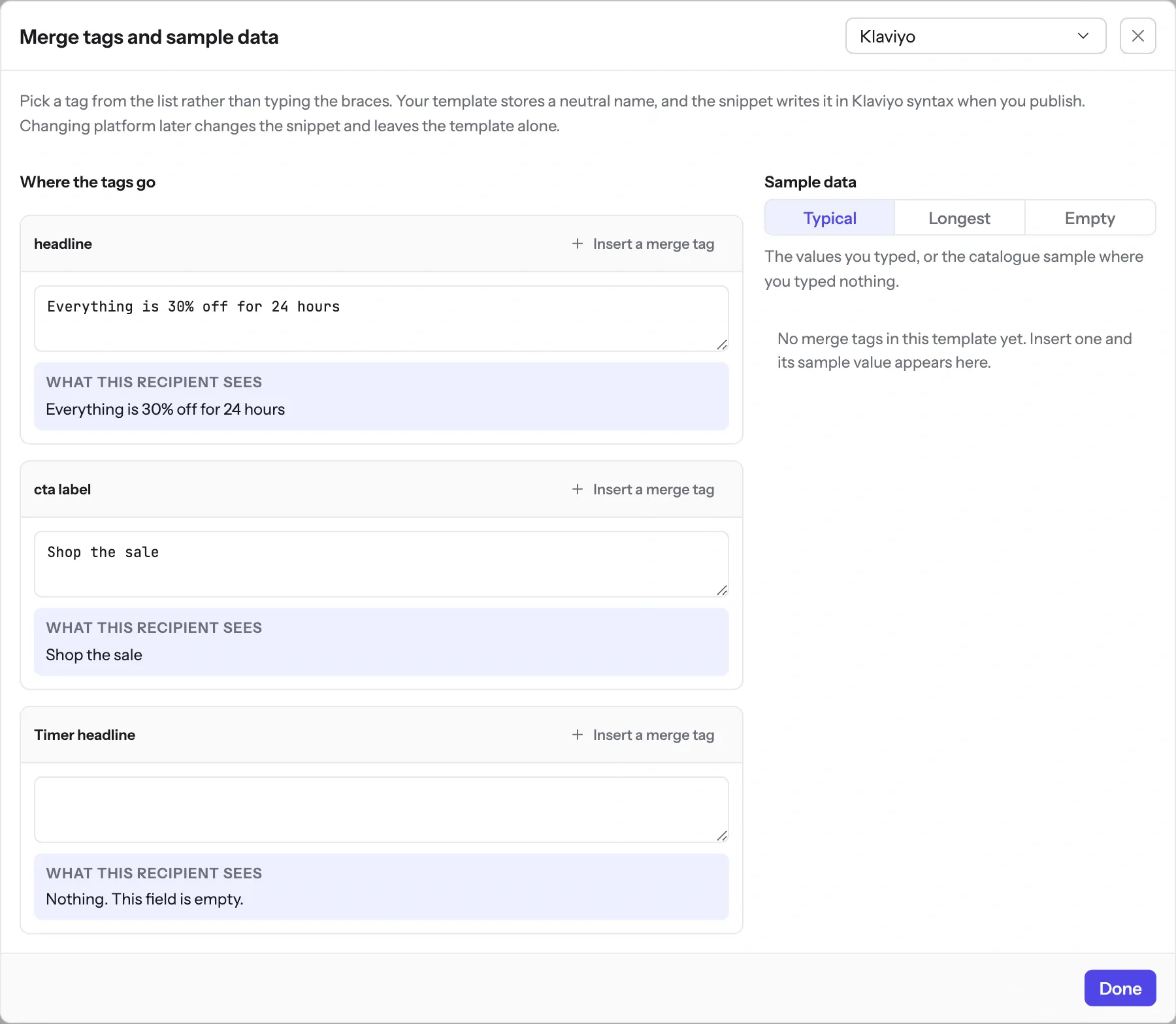
A timer is one thing an image can carry. It can carry several. The same request that draws the countdown can put a name, a code, a balance and a product shot into the same picture, so you stop maintaining five near-identical versions of one email.
The merge tag reference- Anything in your list
- First name, loyalty balance, tier, city, the discount percentage you calculated for that segment. If your platform can merge it into text, it can go into the image.
- Codes that belong to one person
- Pass the unique voucher from your flow and it is drawn into the graphic, so the code they see is the code that works for them.
- Scannable QR codes
- A ticket for the door, a one tap login, a coupon their phone can read at the till. Generated per subscriber inside the same image.
- Layers that appear only when they should
- Show the VIP banner to VIPs and the free shipping line to carts over the threshold. One template, several audiences, no duplicates to keep in sync.
Know before you send
See what each inbox will show, while you can still change it
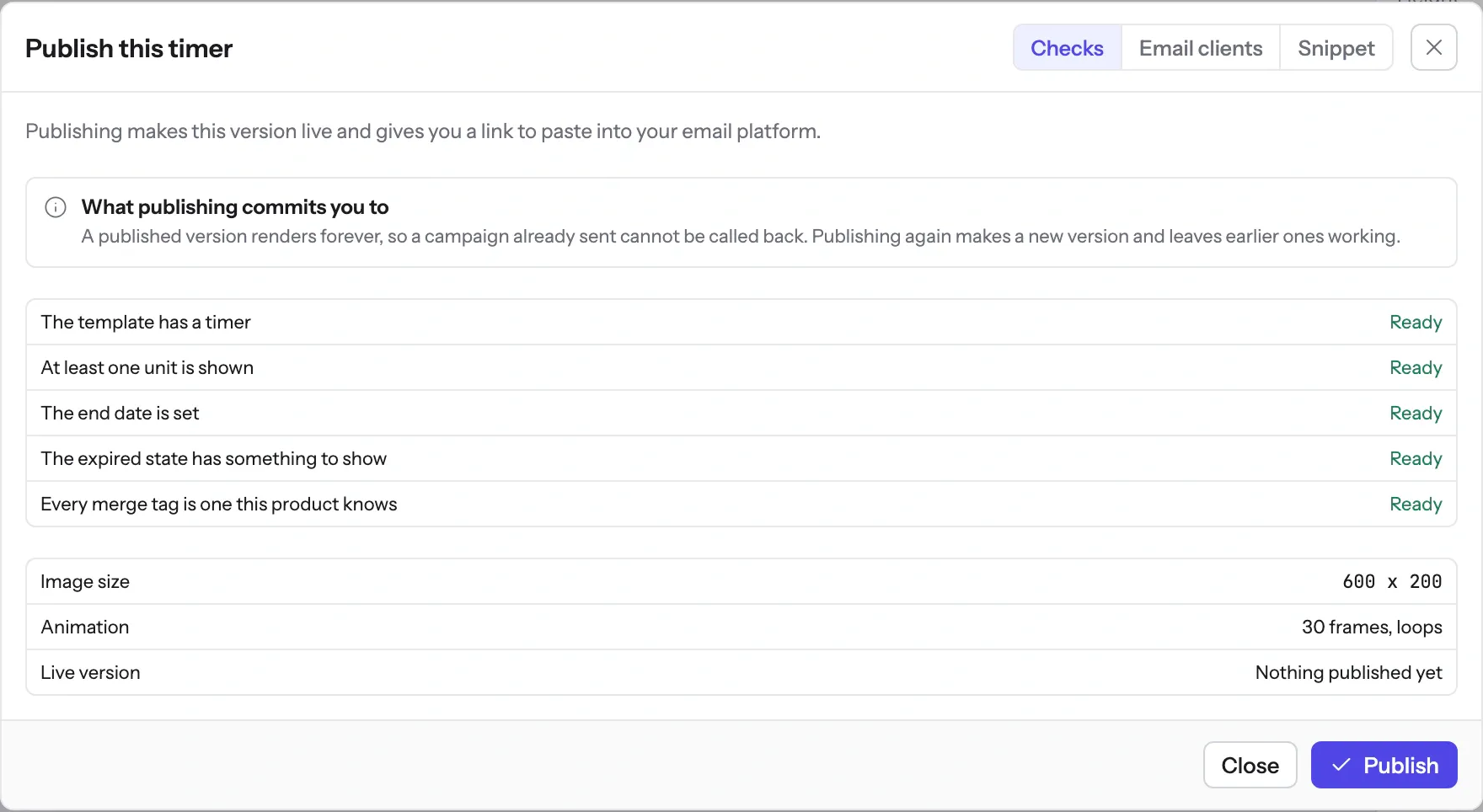
Apple Mail collects images at delivery. Gmail keeps its own copy after the first open, for a length Google does not publish. Outlook on Windows shows one frame. None of that is a secret and none of it should be a surprise on the morning of a big send, so the editor puts it in front of you before you schedule.
What each client is documented to do
The Apple and Gmail rows rest on Apple's and Google's published documentation and on third-party testing. Neither company publishes a cache lifetime: Apple documents the prefetch, Google documents the proxy, and the two to three days is FreshInbox's 2021 testing. The Outlook and Yahoo rows are what we expect those clients to do, with no vendor document behind them. No row comes from a test by us yet, and we will publish dated screenshots when we have them. Sources: Apple on Mail Privacy Protection, Google on the Gmail image proxy, FreshInbox on Mail Privacy Protection image caching.
On your biggest day
Black Friday morning is not the time to find out
When half your list opens the same email in the same ten minutes, many of those opens ask for the same image in the same second. The image service draws that second once and hands the same frames to everyone who asked for it, and a request it cannot answer in time gets a grey "image unavailable" card rather than a broken image.
If your team would rather generate images from code than from the editor, there is a REST API on the Growth plan, along with CSV uploads and webhooks. Nobody needs it to send a campaign.
What these turn into on a real campaign
A feature list is easier to read than it is to act on. Each page below picks the timing model, the image layers and the expired state for one kind of send, and shows the snippet that goes into the flow.
Flash sale emails
One deadline for everybody
Cart abandonment emails
A deadline per shopper
Product launch emails
One launch moment, with a before and an after
Webinar and event registration
A start time, with a live state after it
Birthday and anniversary emails
A window that starts on their date
Holiday and seasonal campaigns
Tiered shipping cut-offs
If you are weighing this against another tool, the comparisons below use each vendor's own published prices.
Try it on the campaign you are building this week
The free plan covers 5,000 opens a month, and Starter is $19 for 250,000.